
This article was written for Page Builder Sandwich 5 or earlier. Page Builder Sandwich 6 is a new block builder, so some steps and screens here may differ. Getting started with version 6
How Do I Deactivate the Plugin?
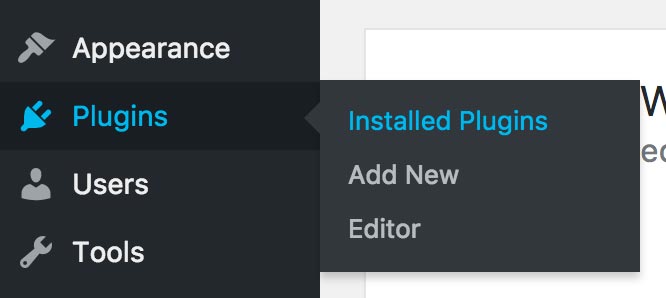
To deactivate PBS, first log into your Dashboard / backend, then navigate to Plugins > Installed Plugins:
When in the Plugins page, scroll down your list of plugins and find the one for Page Builder Sandwich. Right below the name, you should be able to see a deactivate link along with other links such as Edit or Change License (this may vary in your site). Click the deactivate link to disable the plugin.
