This article was written for Page Builder Sandwich 5 or earlier. Page Builder Sandwich 6 is a new block builder, so some steps and screens here may differ. Getting started with version 6
CloudFlare & Rocket Loader Compatibility
CloudFlare is a widely used free DNS CDN. It’s great, but PBS currently has problems when it comes to the Rocket Loader feature. Rocket Loader improves the load time of Javascript files, but it messes up the dependency and call order of PBS’ scripts. If you have Rocket Loader turned on, the edit button for Page Builder Sandwich will not appear (and no Javascript console errors show up).
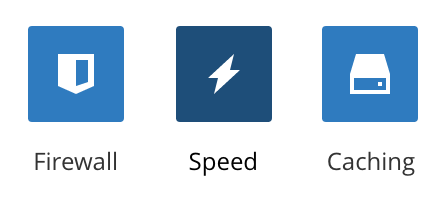
To turn off Rocket Loader, log into your CloudFlare account and into the settings for your domain. Navigate to the Speed settings:
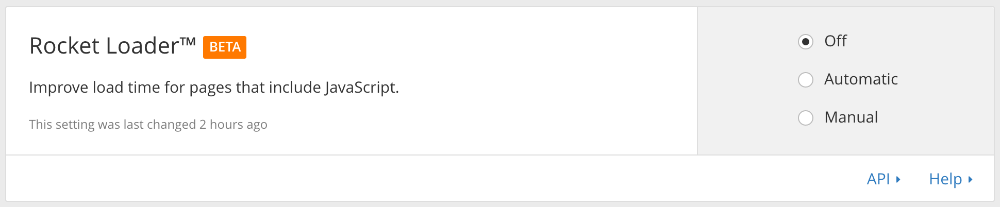
Then scroll down to the Rocket Loader settings then make sure that the setting is turned off:
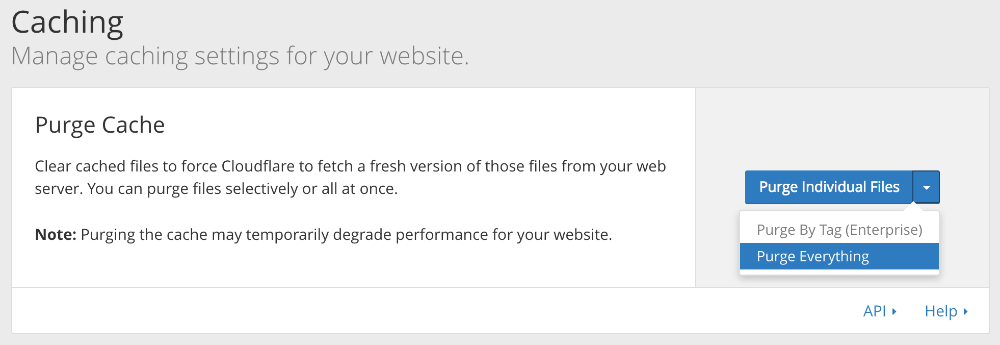
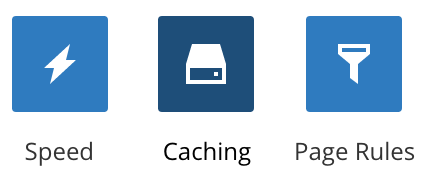
After turning this off, be sure to purge your entire site’s cache from the Cache settings:
After purging everything your cache, you can refresh the page and the Page Builder Sandwich edit button should now show up.