
This article was written for Page Builder Sandwich 5 or earlier. Page Builder Sandwich 6 is a new block builder, so some steps and screens here may differ. Getting started with version 6
Adding Entrance Animations to Your Elements
In most elements (not shortcodes however), you can specify an entrance animation that plays when the element becomes visible on your screen.
To do this, hover over an element to make the toolbar appear, and then click on the gear button.

This should bring up the inspector. Navigate over to the Animations area, open it up and then pick an animation.
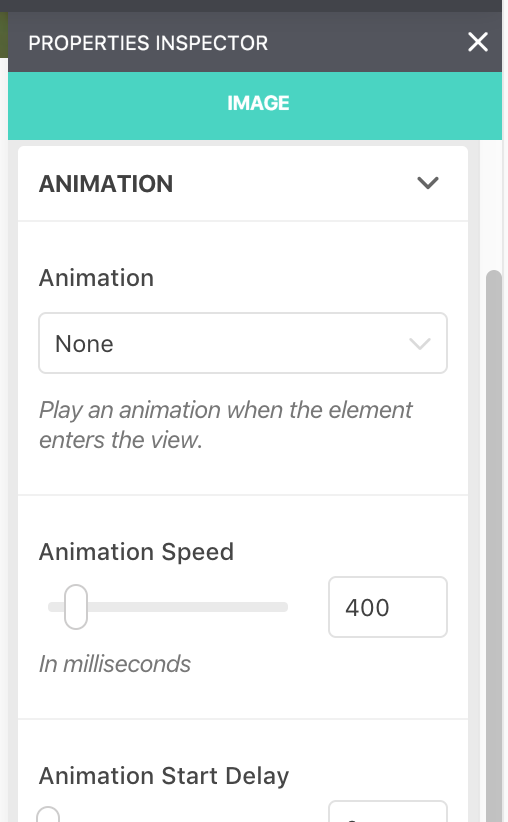
After picking an animation, it should play to show you a preview. You can further refine the animation with the other options provided.
Animations play only when the user scrolls and the element comes into view. If the element is already visible when you arrive on your page, it will not animate.